QR Code Dollar Bills: Print Your Own KidCash
How to create, print, and redeem custom dollar bills with QR codes that credit your kid's account instantly.
What if you could print your own money? With KidCash, you basically can.
The Concept
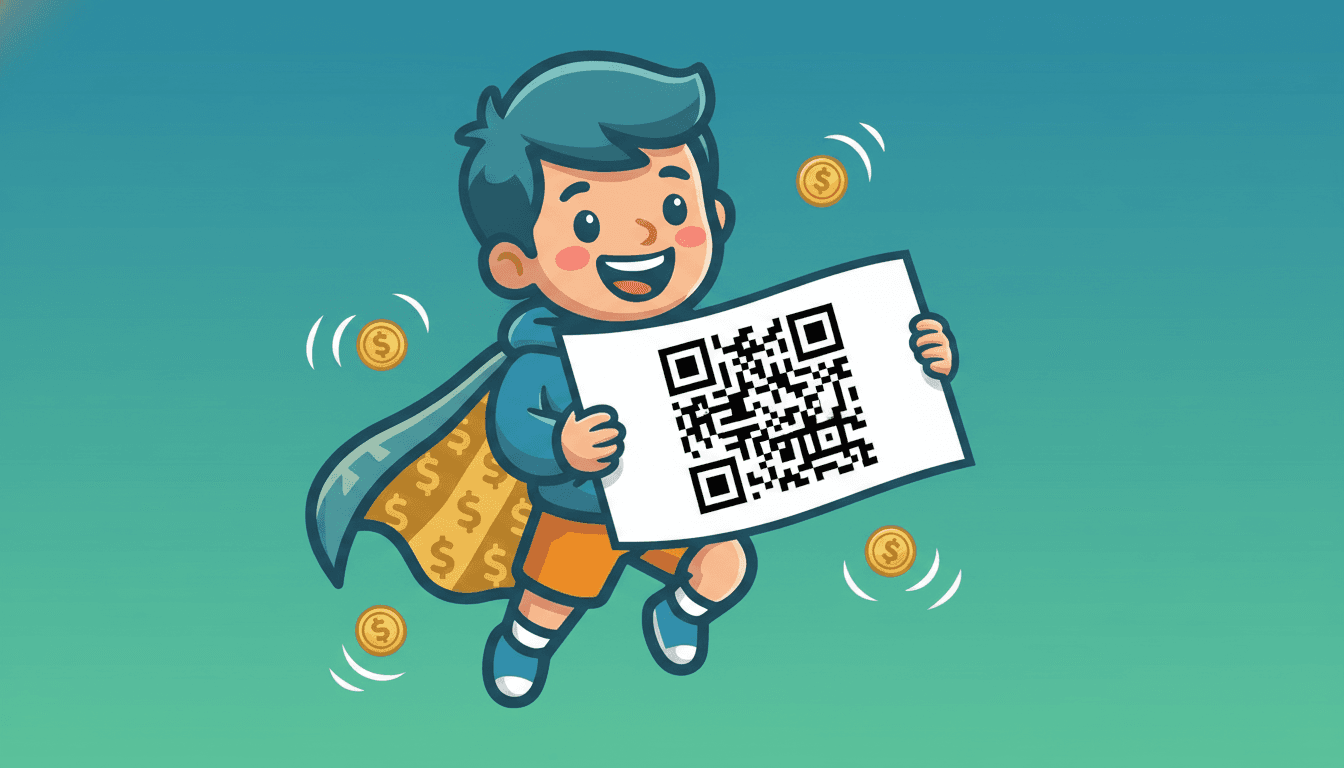
QR Code Dollar Bills are printable play money tied to your kid's account. Each bill has a unique QR code. When scanned, it instantly credits the amount to their balance — like a gift card, but you print it at home.
How to Create Bills
- Go to Print Bills from the dashboard
- Select which kid the bills are for
- Choose a denomination ($1, $5, $10, $20, or custom)
- Pick a design: Play Money, Gift Card, or Gold Coin
- Set how many you want (1-20)
- Hit Generate
Each bill gets a unique 21-character code that's cryptographically random. No one can guess or fake a code.
Three Bill Designs
- Play Money — green dollar bill style with decorative borders, perfect for younger kids
- Gift Card — clean purple gradient, modern and sleek
- Gold Coin — premium gold design with embossed feel
All three include the kid's name, avatar emoji, denomination, QR code, and fine print ("Scan QR code to redeem. One-time use only. Not legal tender.").
How Redemption Works
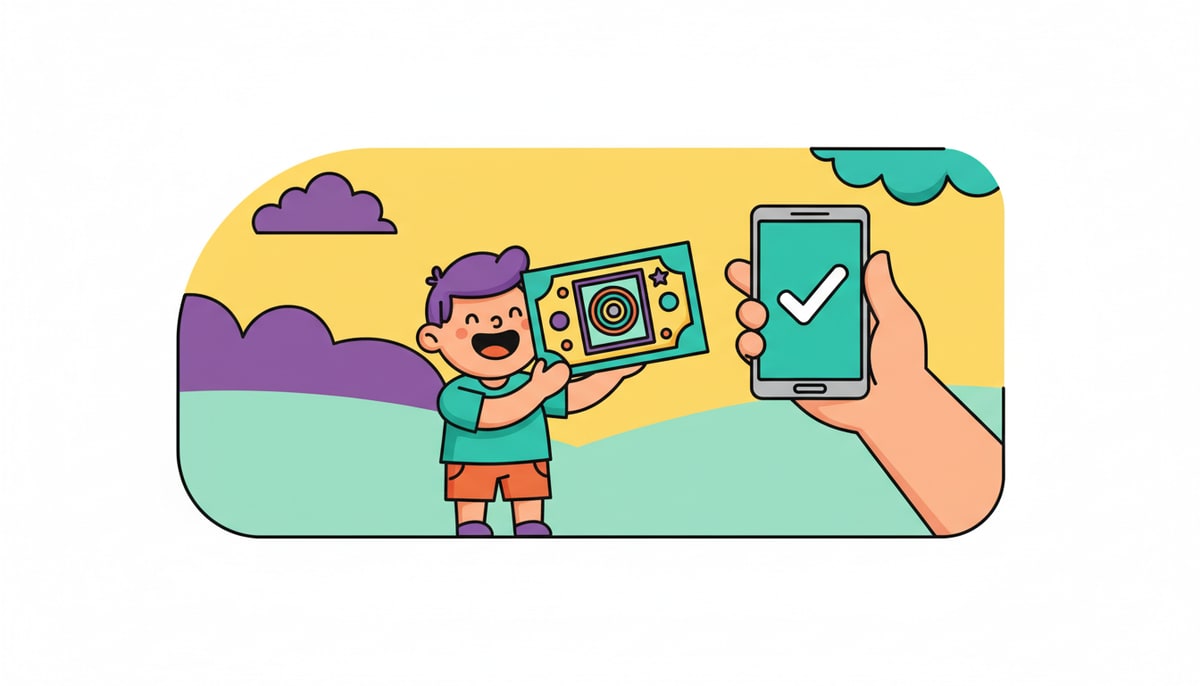
When someone scans the QR code (or taps the link):
- They see the bill design with the amount and kid's name
- One tap on Redeem Now
- The money is instantly credited
- A celebration plays with confetti, sound effects, and a "Ka-ching!" animation
- The bill is marked as used — it can't be redeemed twice
If you have an Apple TV or Vision Pro connected, the celebration plays there too!
Use Cases
- Rewards — print $5 bills and hand them out for completed chores
- Birthday gifts — relatives can give printed bills instead of cash
- Tooth fairy — leave a $2 KidCash bill under the pillow
- Holiday stockings — stuff them with printed bills in fun designs
- Classroom incentives — teachers can print bills for good behavior
Share Digitally
Don't want to print? Every bill has a Share button that copies the redemption link. Send it via text, email, or AirDrop. The recipient opens the link and redeems from their phone.
Stay in the loop
We ship new free guides, printables, and the occasional deal — roughly twice a month. No spam, unsubscribe anytime.
Three streams available: 30-day welcome series, biweekly newsletter, and (opt-in) daily blog posts. Pick which you want after signing up. One click to unsubscribe from any.