
How We Built an MCP Server in a Weekend
A walkthrough of how we wrapped the existing KidCash API in a Model Context Protocol server so any AI assistant can use it. Vercel mcp-handler, output schemas, the Smithery score, and what we'd do differently.
This is a developer-flavored sibling to our MCP launch announcement. If you're building an MCP server on top of an existing product, here's what the journey looked like for us — what worked, what didn't, and what we'd skip if we did it again.
The wrapper code is open source at github.com/simsketch/kidcashapp-mcp.
The shape of the problem
KidCash already had a stable HTTP API at /api/v1/* — the same one that powers our Siri intents, Apple Watch app, and Alexa skill. Adding MCP wasn't about building features; it was about wrapping existing features in a protocol AI assistants speak.
So the only real questions were: which library, what URL structure, how to handle auth, and how to score well on Smithery's quality metrics.
The library: Vercel's mcp-handler
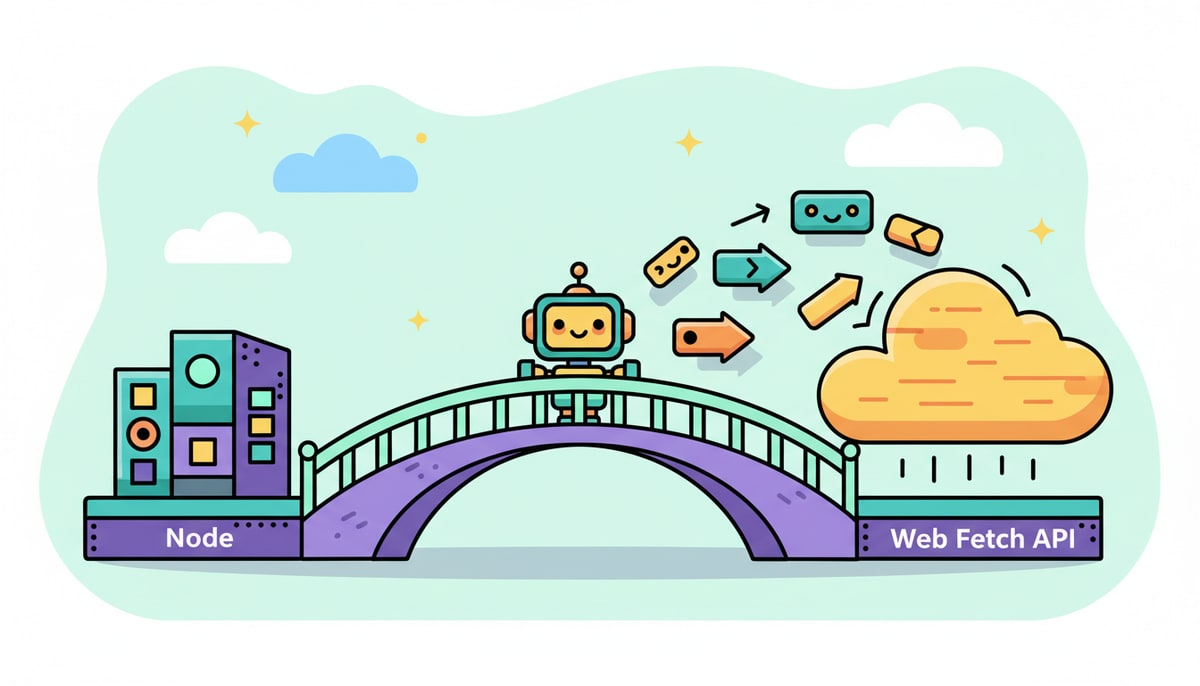
The MCP TypeScript SDK ships with a Node IncomingMessage/ServerResponse transport. Next.js Route Handlers use Web Fetch API Request/Response. Bridging those is non-trivial — exactly the gap @vercel/mcp-handler closes.
Our entire route handler is 25 lines:
import { createMcpHandler } from 'mcp-handler';
import { registerAllTools } from '@/lib/mcp/server';

const handler = createMcpHandler(
  registerAllTools,
  { serverInfo: { name: 'kidcash', version: '1.0.0' }, capabilities: { tools: {} } },
  { basePath: '/api/agent', maxDuration: 60 },
);
export { handler as GET, handler as POST };
That's it. Tool registration is in registerAllTools, basePath defines the URL prefix, and the rest of the file is two exports.
The URL structure: a wrinkle worth knowing
mcp-handler uses a [transport] dynamic segment to dispatch HTTP vs SSE. The library's docs show route file paths like app/api/[transport]/route.ts. If you do that, the dynamic segment catches every /api/* URL — bad for a multi-route app.
Nesting it (app/api/mcp/[transport]/route.ts with basePath: '/api/mcp') means the public URL becomes /api/mcp/mcp — the doubled segment is awkward but unavoidable given the library's contract.
We tried two workarounds:
- A Next.js
rewrites()from/mcp→/api/mcp/mcp. Failed:next.config.tsrewrites preserve the original URL onrequest.url, somcp-handlerreads/mcpand 404s its own basePath check. - A middleware-level
NextResponse.rewrite(). Should have worked (middleware rewrites do update the URL the handler sees) but didn't, for reasons we never fully diagnosed.
Final answer: rename the outer folder. We went with /api/agent/mcp — semantic, namespaced, no name collision. ~30 minutes of experimentation but worth documenting because the doubled-mcp URL is a paper cut every developer hits.
Auth: reuse what you already have
We had Bearer-token auth via the api_keys table powering Siri and the watch already. The middleware (src/proxy.ts) resolves Bearer tokens to a userId via a hashed lookup and stamps x-kidcash-user-id on the request headers.

That meant our MCP tools needed zero new auth code. A withAuth() wrapper reads the header inside the tool handler:
export function withAuth(handler) {
  return async (args) => {
    try {
      const userId = await getUserId();
      await requirePaidPlan(userId, 'MCP server access');
      return formatResult(await handler(userId, args));
    } catch (err) {
      return { content: [{ type: 'text', text: `Error: ${err.message}` }], isError: true };
    }
  };
}
requirePaidPlan already existed for the same reason — Bills, Export, Backup, and API key creation are all gated behind it. Adding MCP to the gated set was a one-line change.
Smithery scoring: the unobvious wins
When we listed on Smithery (61/100 on first scan), the score breakdown surfaced things we wouldn't have known about:
-
Dot-notation tool naming. Smithery wants
kids.list, notlist_kids. Flat lists or over-nested paths both lose points. We reorganized 12 tools into 5 namespaces (kids.*,chores.*,transactions.*,wishlist.*,settings.*). -
Output schemas. Each tool needs an
outputSchema(zod). The SDK validatesstructuredContentagainst the schema, and clients with structured-aware UIs (Claude.ai, the future Cursor MCP renderer) use the schema to display results richly. We added schemas to all 12 tools — about 30 lines of zod per file. -
Server description and homepage. Two boxes in Smithery's settings panel. Easy +24 points.
-
Optional config. This one we left on the table. To score the 15-point bucket you need at least one optional parameter on the connection schema, but adding fake optional config (e.g.
defaultAccount) hurts the "just paste your API key" UX more than the score is worth.
We landed at ~85/100. The remaining 15 is the optional-config tradeoff.
What we'd do differently
- Start with output schemas. They felt like an afterthought; in hindsight they're the most valuable part of the spec for clients that render results visually.
- Skip the vanity URL chase. The
/mcp→/api/agent/mcpsaga consumed time we should have spent on tool quality. The published URL just goes in a config file users paste once. - Define the tool tree before naming individual tools. Renaming 12 tools after the fact (and updating tests, README, docs page, and Smithery listing) is slower than getting the namespaces right the first time.
What's next
OAuth is the obvious gap — required for the Anthropic connector store. We have Alexa OAuth scaffolding to crib from; ~1 day of work when we choose to do it. Beyond that: more tools (bills.create, chores.create), kid-scoped sub-keys for teen accounts, and proper telemetry on tool-call frequency so we know which ones to invest in.
If you're building your own MCP server and want to ask anything specific, open an issue on the repo.
— The KidCash Team
P.S. If you want to see the runtime in production, the server is at https://www.kidcashapp.com/api/agent/mcp and listed on Smithery here. Bearer auth required for tool calls; tool list and discovery are open so anyone can introspect the catalog.
Stay in the loop
We ship new free guides, printables, and the occasional deal — roughly twice a month. No spam, unsubscribe anytime.
Three streams available: 30-day welcome series, biweekly newsletter, and (opt-in) daily blog posts. Pick which you want after signing up. One click to unsubscribe from any.