
Managing Allowances with Siri (Hands-Free Parenting)
How to use Siri voice commands to add money, check balances, and manage KidCash without opening the app.
Your hands are full. The kids are yelling. Someone just did something that deserves $5. You don't have time to open an app.
Just say: "Hey Siri, add 5 dollars to Rafi for cleaning up on KidCash."
Done. No app, no typing, no screens.
Available Voice Commands
Check Balances
"Hey Siri, check balances on KidCash"
Siri reads out each kid's name and current balance. Quick status check while you're driving, cooking, or dealing with bedtime chaos.
Add Money
"Hey Siri, add 10 dollars to Amiel for homework on KidCash"
You can say the kid name, amount, and note all in one sentence. Siri will confirm and the transaction appears instantly in the app.
Subtract Money
"Hey Siri, subtract 5 dollars from Zeke for broken window on KidCash"
Same flow. Kid, amount, reason. Done.
Tips for Better Recognition
- Use exact names: Siri matches against your kids' names. If it mishears, KidCash uses fuzzy matching — "Rawfi" will still match "Rafi"
- Say the amount as a number: "10 dollars" works better than "ten bucks"

- Keep notes short: "chores" works better than "for doing all the chores around the house today"
No Setup Required
KidCash uses Apple's App Intents framework. The voice commands work automatically once the app is installed — no Shortcuts app configuration, no manual setup.
Just install KidCash, sign in, and start talking.
Works on Apple Watch Too
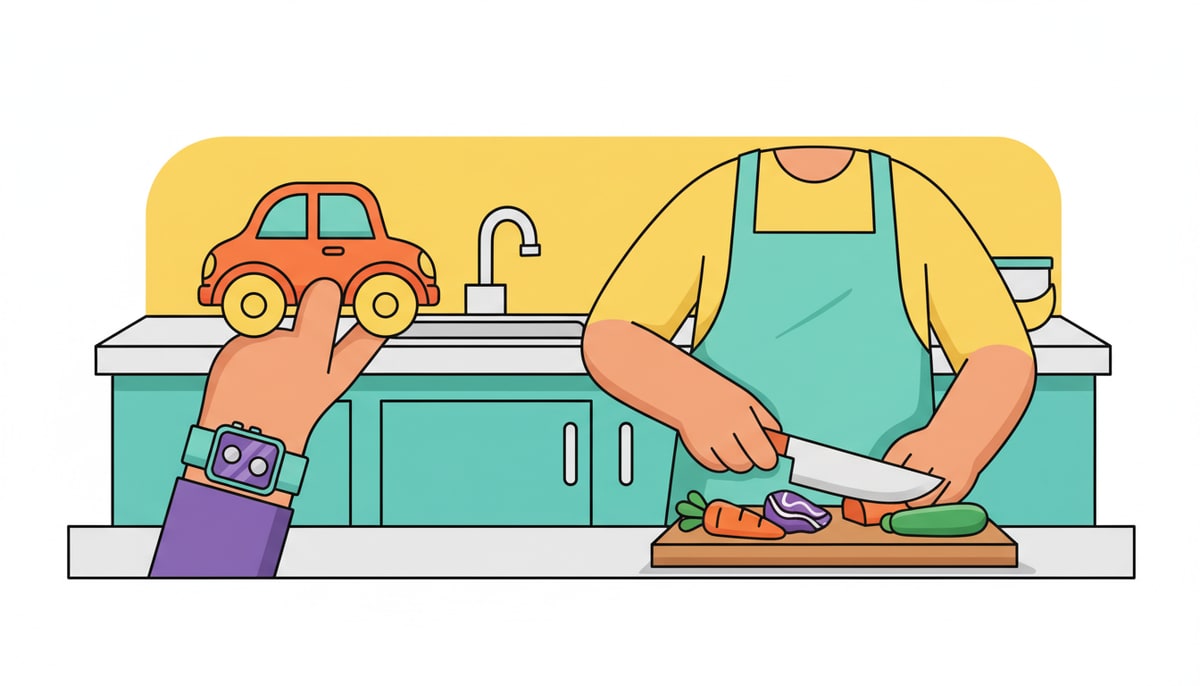
If you have the KidCash Watch app, you can check balances and manage transactions from your wrist. Raise your wrist, ask Siri, done.
The watch also shows a quick glance of all your kids' balances with pull-to-refresh for instant updates.
Stay in the loop
We ship new free guides, printables, and the occasional deal — roughly twice a month. No spam, unsubscribe anytime.
Three streams available: 30-day welcome series, biweekly newsletter, and (opt-in) daily blog posts. Pick which you want after signing up. One click to unsubscribe from any.