Cyber Attack! Protecting Your Family's Digital Wallet
A recent cyber attack on schools highlights the importance of digital safety and how to teach your kids about protecting their online money.
Inspired by: Canvas hack: What we know about the cyberattack that impacted thousands of schools (CNN)
Did you see the news this week about the "cyber attack disrupt[ing] swath of US universities and schools nationwide"? It’s a pretty alarming headline, especially for parents. While the immediate concern is often about school records or access to online learning, these kinds of events are a big flashing reminder of something we need to talk to our kids about: digital financial safety.
In today's world, money isn't just physical cash in a piggy bank. It's allowance sent via an app, gift cards for online games, or even virtual currency within their favorite platforms. And just like we teach them not to leave their wallet unattended, we need to teach them how to protect their digital wallet.
The Digital Playground and Its Potholes
Think about it: how many apps does your child use that involve some form of in-app purchase, virtual currency, or even just storing their personal information? From Roblox Robux to V-Bucks in Fortnite, or even just having their email linked to a gaming profile, there are numerous points where their digital "money" or access to it could be compromised if they're not careful.
A cyber attack on a school system might not directly target your child's individual gaming account, but it underscores the very real threat of bad actors trying to exploit vulnerabilities online. And if they can get into a big system, what about a less secure personal account?
Smart Spending, Smart Protecting
So, how do we translate a headline about a cyber attack into a practical money lesson for a 7-year-old or a 13-year-old? It starts with a conversation.
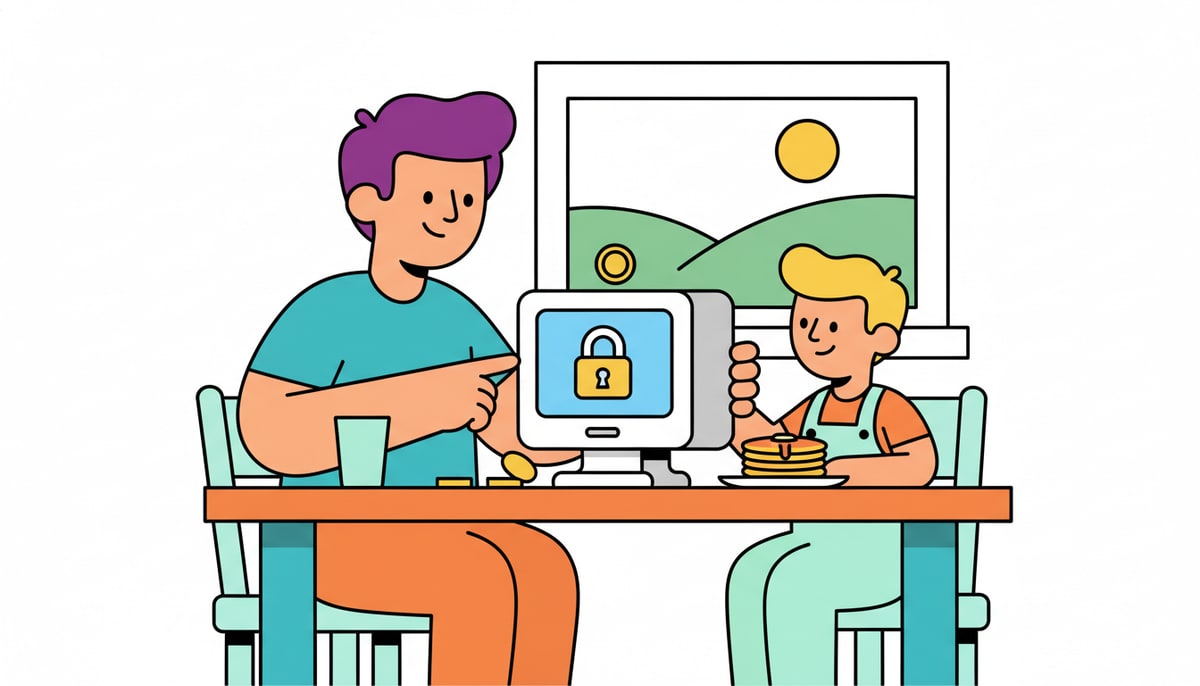
For younger kids (5-9): Focus on the basics of privacy and asking for permission. Explain that just like they wouldn't give a stranger their house key, they shouldn't give away passwords or personal information online without asking you first. Introduce the concept of "digital secrets" – things like passwords, your credit card number, or even your address – that should never be shared online. When they want to buy something in a game, make it a joint activity. You enter the password, and they understand it’s a protected process.
For older kids (10-15): This is where you can get into more detail. Discuss strong passwords – not just using a parent-approved one, but creating their own strong, unique passwords for different accounts. Explain why using the same password everywhere is risky. Talk about phishing scams: emails or messages that look legitimate but are trying to trick them into giving away information. You can even show them examples of suspicious emails you've received.
Another key lesson is the value of their digital assets. If they've spent their allowance on Robux, that's real money they've earned. Teach them that protecting their account from being hacked is like protecting their actual cash. Losing access to their account means losing the money they've invested in it.
Beyond Passwords: Two-Factor Authentication
This might sound fancy, but it's becoming standard for good reason. Many online services now offer two-factor authentication (2FA), where you need a password and a code sent to your phone or email to log in. Explain to your older kids why this extra step is so important. It's like having a lock on your door and a security alarm – double protection! Help them set up 2FA on their gaming accounts or social media profiles where available.
The goal isn't to scare them away from the internet, but to empower them with the knowledge to navigate it safely and responsibly, especially when it comes to their finances, digital or otherwise. The more they understand the risks, the better equipped they'll be to protect themselves and their hard-earned (or gifted) digital dollars.
P.S. This week, sit down with your older child and review the password practices for their favorite online game or app. If they don't have unique, strong passwords, help them create new ones, and discuss enabling two-factor authentication if the platform offers it.
Stay in the loop
We ship new free guides, printables, and the occasional deal — roughly twice a month. No spam, unsubscribe anytime.
Three streams available: 30-day welcome series, biweekly newsletter, and (opt-in) daily blog posts. Pick which you want after signing up. One click to unsubscribe from any.