Beware of Digital Sneaks: Protecting Your Online Money
Learn why it's super important to be careful online and how to protect your digital money from sneaky malware.
Inspired by: I found 10k GitHub repositories distributing Trojan malware
Today, there's big news in the tech world that reminds us all to be extra careful online. A report on Hacker News is buzzing about how someone found 10,000 GitHub repositories distributing Trojan malware. Now, if those words sound like a secret spy mission, you're not far off!
Think of GitHub as a giant library where computer programmers share their code, like recipes for apps and websites. And malware? That's short for "malicious software" – basically, sneaky computer programs designed to do bad things without you knowing. A "Trojan" is a type of malware that pretends to be something useful or fun, but secretly has a hidden agenda, just like the Trojan horse from ancient stories.
Finding 10,000 places sharing this bad stuff is a huge deal because it means a lot of people could accidentally download it. And guess what? This isn't just a problem for computer experts; it's a big lesson for everyone about protecting their money and information online.
Why Malware Matters for Your Money
You might be thinking, "What does a computer virus have to do with my piggy bank?" A lot, actually
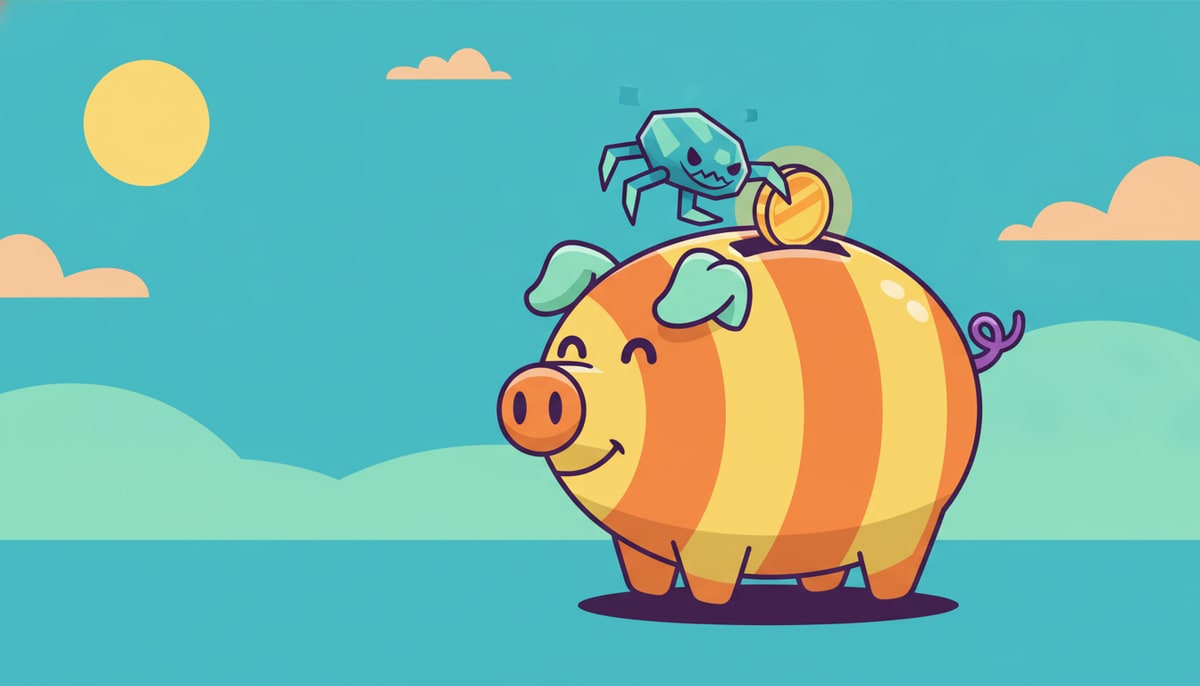 ! Here's how:
- Stealing Information: Some malware tries to steal your personal information, like passwords, bank account details (if your parents use online banking), or even your online gaming usernames and passwords. If a hacker gets this info, they could use it to spend your money, buy things with your parents' credit cards, or even mess with your online game accounts.
- Holding Your Computer Hostage: Other types of malware, called ransomware, can lock up your computer and demand money (a "ransom") to unlock it. Imagine if all your favorite games, photos, and homework were suddenly inaccessible until you paid up!
- Fake Apps and Games: Sometimes, malware is hidden inside apps or games that look real but aren't. You might download what you think is a cool new game, but instead, you've invited a digital sneak into your device. These fake apps might try to get you to buy things you don't need or collect your data.
- Wasting Resources: Even if it doesn't steal money directly, malware can slow down your computer, use up your internet data, or make your device unusable, which can cost your family money in repairs or new devices.
How to Be a Digital Detective and Stay Safe
So, how can you protect yourself and your family's money from these digital sneaks?
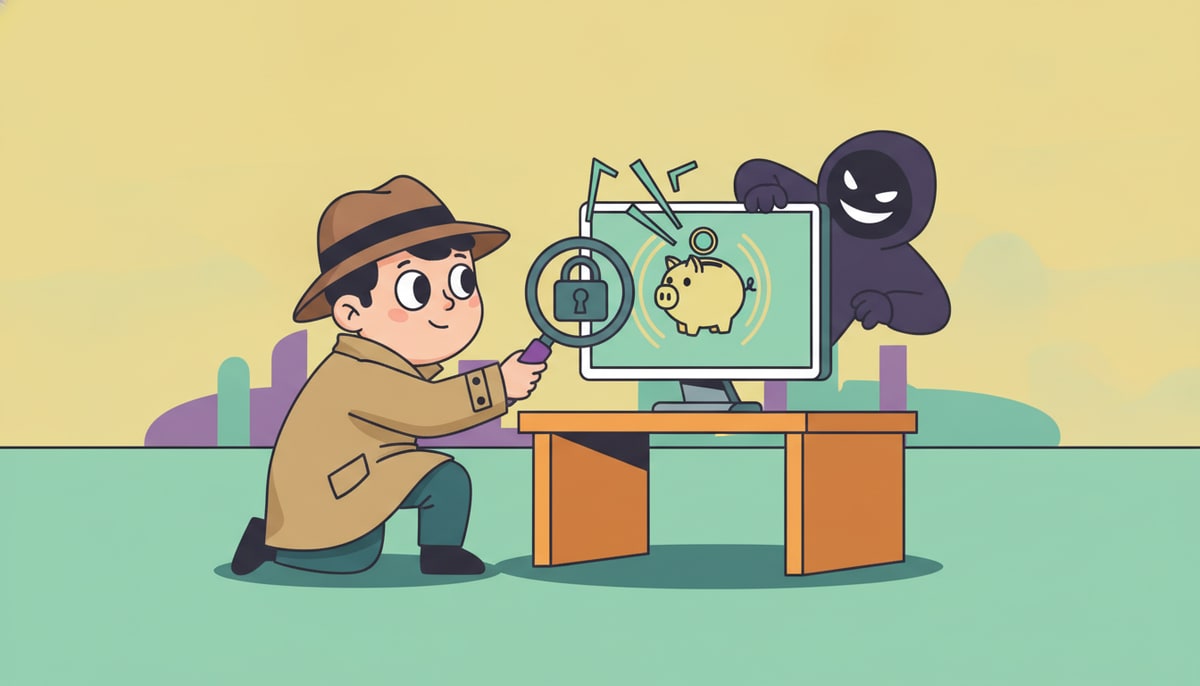
- Ask Before You Click: This is the golden rule! If you get an email, text, or see a pop-up that looks weird or asks you to click a link, always ask a trusted adult first. Even if it looks like it's from someone you know, it could be a trick.
- Download from Safe Places: Only download apps, games, or files from official app stores (like the Apple App Store or Google Play Store) or websites your parents trust. These places usually check for malware.
- Strong Passwords are Your Superpower: Use long, unique passwords for all your online accounts, and never share them with anyone, not even your best friend. Think of them like the key to your secret money vault!
- Update Your Devices: Make sure your phone, tablet, and computer always have the latest updates. These updates often fix security holes that malware tries to use.
- Talk to Your Parents: If something online feels "off" or makes you uncomfortable, tell an adult right away. They can help you figure it out and keep you safe.
Being smart about what you click, download, and share online is just like being smart with your physical money. You wouldn't leave your wallet open on a busy street, right? The same caution applies to your digital life!
P.S. Parents, this is a great week to review your family's online safety rules. Consider setting up regular "digital check-ins" with your kids to talk about what they're seeing and doing online, and ensure parental controls and antivirus software are up-to-date on all devices.
Stay in the loop
We ship new free guides, printables, and the occasional deal — roughly twice a month. No spam, unsubscribe anytime.
Three streams available: 30-day welcome series, biweekly newsletter, and (opt-in) daily blog posts. Pick which you want after signing up. One click to unsubscribe from any.