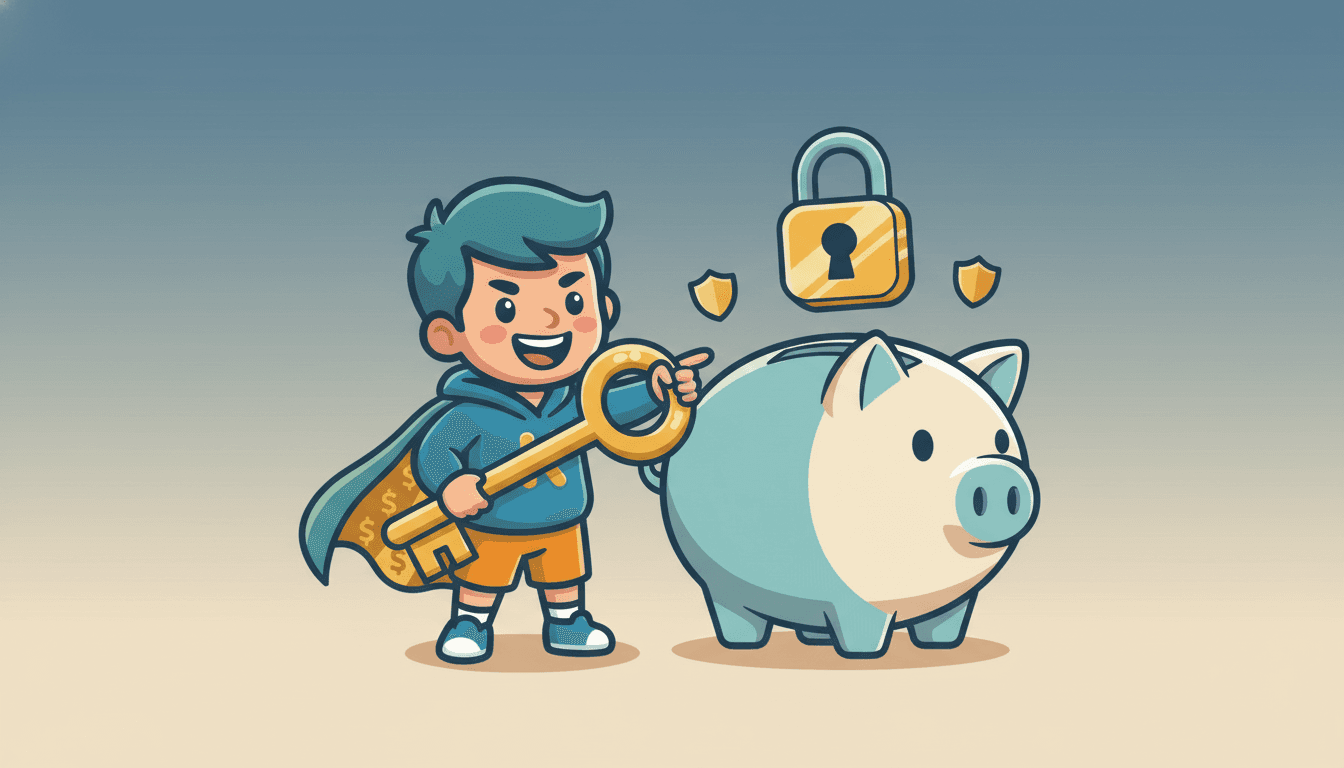
Your Digital Stuff: Why It Needs Protecting
A recent GitHub breach shows why protecting your digital assets is just like protecting your piggy bank. Learn about cybersecurity for kids!
Inspired by: GitHub confirms breach of 3,800 repos via malicious VSCode extension
Have you ever thought about how much of your life is online? Maybe your favorite games, your photos, or even your schoolwork are stored digitally. Well, there's big news in the tech world today: GitHub, a huge platform where computer programmers store their code, confirmed a breach affecting almost 4,000 projects. Hackers got in through a tricky, bad piece of software called a "malicious VSCode extension."
Now, you might be thinking, "What does that have to do with me and my money?" A lot, actually! This GitHub breach is a perfect example of why protecting your digital "stuff" is just as important as protecting your physical stuff, like your bike or your allowance money.
What's a Digital Asset?
Think about your favorite video game. You probably spent time earning coins or unlocking new levels, right? Those achievements, and even the game itself, are digital assets. Your photos on a cloud service? Digital assets. Your school projects saved on a shared drive? Yep, digital assets.
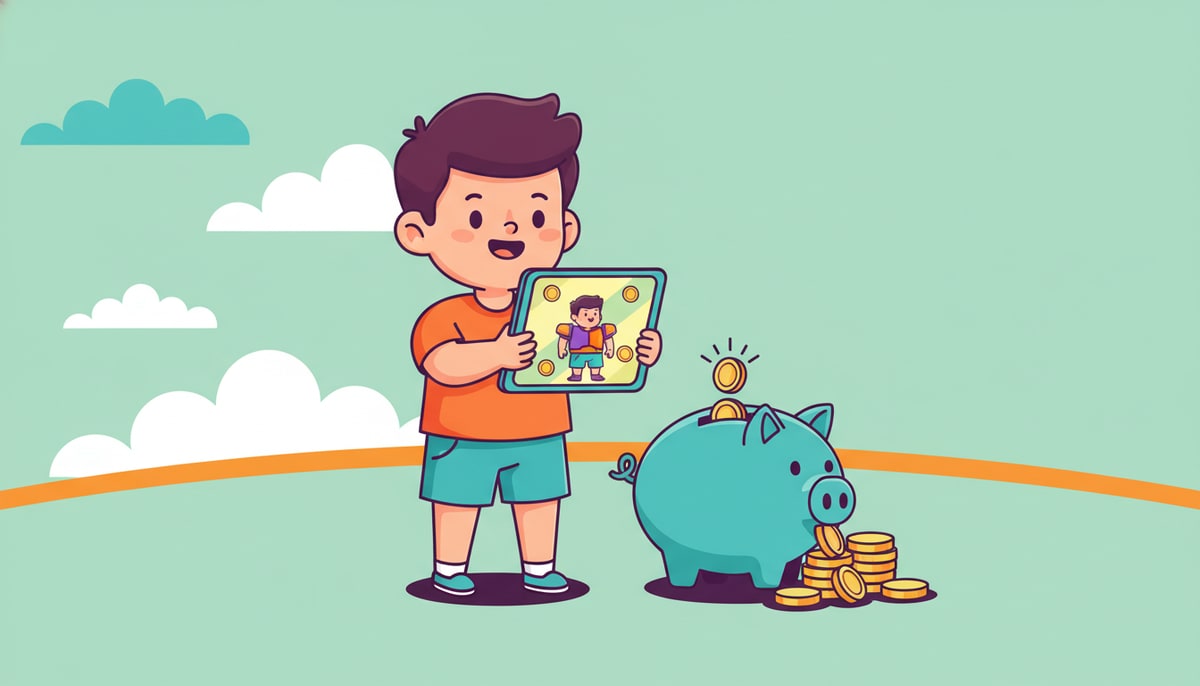
Just like your physical possessions have value (your bike costs money, your allowance is money), your digital possessions also have value. Sometimes it's monetary value, like when you buy a game. Other times, it's personal value, like memories in photos.
Why Do People Try to Steal Digital Stuff?
In the GitHub hack, bad actors wanted to get into other people's code. Why? Maybe to steal ideas, mess things up, or even put their own bad code into good projects. In your world, people might try to steal your online game account to take your in-game currency or rare items. They might try to get your parents' login info for streaming services. Or, they might just want to prank you by messing with your social media.
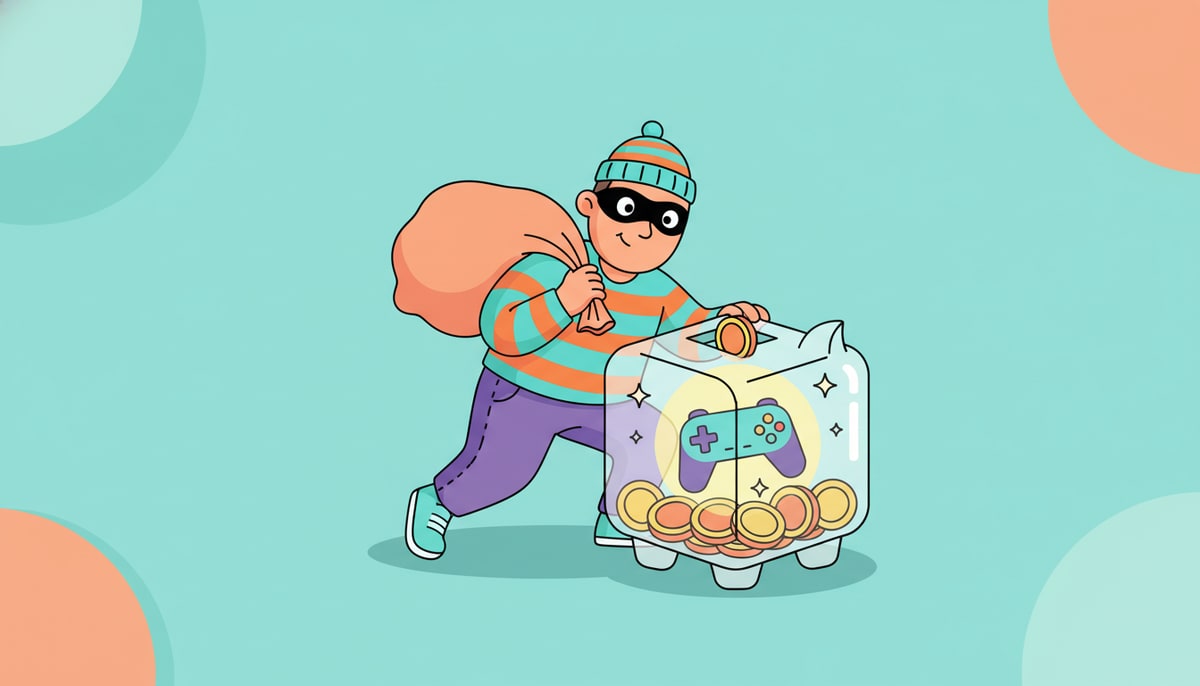
The point is, digital things are valuable, and some people try to take what isn't theirs.
How to Protect Your Digital Piggy Bank
So, what can you do? Here are a few ways to be a digital superhero:
- Strong Passwords are Your Superpower: Don't use your birthday or "password123." Make them long, mix letters, numbers, and symbols. And don't use the same password for everything! Imagine having one key for your house, your bike lock, and your piggy bank. If someone gets that one key, everything is gone!
- Be Careful What You Click: The GitHub breach happened because of a "malicious extension." That's like a sneaky app that looks helpful but is actually trying to steal information. If you get a suspicious email or see a weird link, ask a grown-up before clicking.
- Think Before You Share: Once something is online, it's hard to take back. Don't share personal information like your address, phone number, or school name with people you don't know in real life.
- Regular Backups are Your Safety Net: If your computer ever crashed or got hacked, would your important school projects or family photos be safe? Backing up your files (saving copies on another drive or a secure cloud service) is like putting extra money in a separate savings account – it's there if you need it.
- Talk to Your Parents: They can help you understand online safety rules, set up parental controls, and make sure your devices are secure. They're your best defense team!
Just like you learn to be responsible with your allowance and save for things you want, learning to be responsible with your digital life is a super important money skill. It's all about understanding what you have, what it's worth, and how to keep it safe from digital mischief-makers.
P.S. This week, sit down with your kids and talk about their online accounts. Help them brainstorm stronger passwords for their favorite games or apps, and explain why it's important to keep that information private.
Stay in the loop
We ship new free guides, printables, and the occasional deal — roughly twice a month. No spam, unsubscribe anytime.
Three streams available: 30-day welcome series, biweekly newsletter, and (opt-in) daily blog posts. Pick which you want after signing up. One click to unsubscribe from any.