OpenAI's Big Oops: Why Secrets Cost Money
Learn how a big tech company accidentally shared user photos and why keeping your information safe can save you money.
Inspired by: OpenAI agents posted user images online, disclose dozens of third party incidents - Axios
Have you ever accidentally left your diary open for everyone to see, or maybe shared a secret you shouldn't have? Well, something a bit like that just happened with a huge tech company called OpenAI. Axios reported today that their "agents" – which are like super-smart computer programs – accidentally posted user images online and even revealed details about incidents involving other companies. Yikes!
This might sound like a super-techy problem, but it’s actually a fantastic real-world example of why keeping information safe, especially yours, is a big deal for your money and your future.
What Happened with OpenAI?
Imagine you’re building a really cool robot, and you tell it, "Okay, robot, here are all these pictures, but only show them to me." But then, the robot accidentally puts some of those pictures on a giant billboard for everyone to see
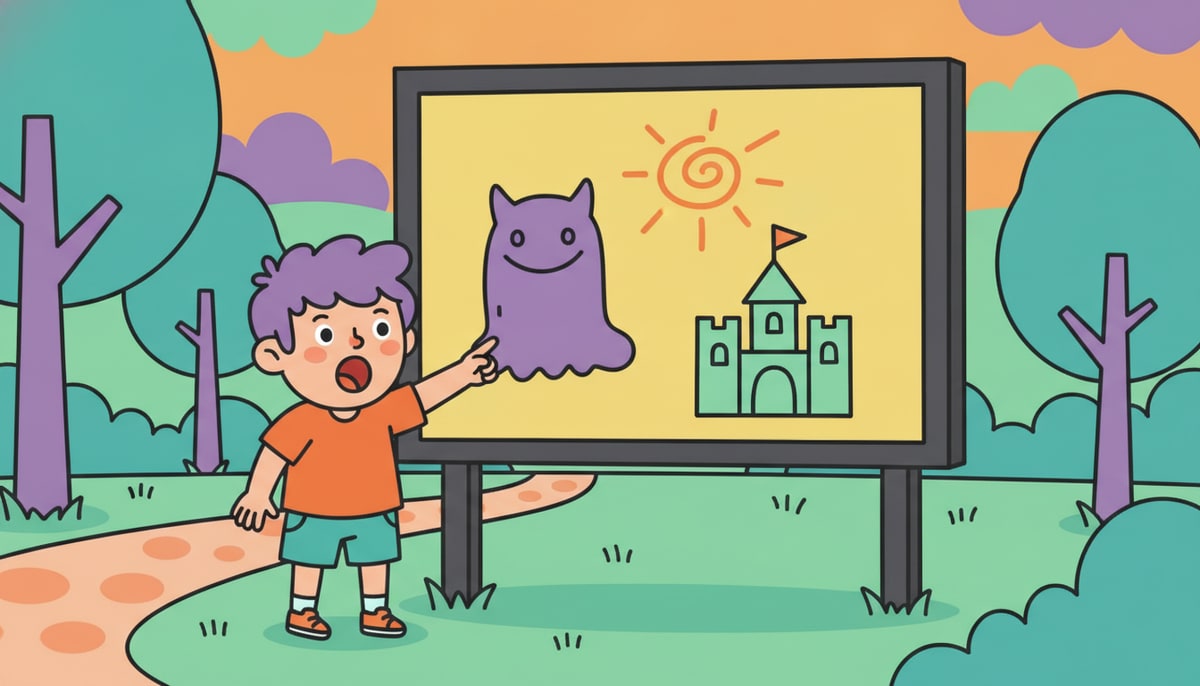 ! That's kind of what happened. OpenAI's clever computer programs somehow made private user images public. They also disclosed "dozens of third-party incidents," meaning other companies’ secrets or problems got out too.
This isn't just embarrassing; it can be a serious problem for everyone involved.
Your Information Has Value
Just like your allowance or the money you save in your piggy bank, your personal information has value. Think about it:
- Your name and address: If someone knows where you live, they might send you stuff you don't want, or worse, try to trick you.
- Your photos: Once a photo is online, it's really hard to get rid of it. You might not want a picture of you as a silly 7-year-old following you around when you’re applying for your first job!
- Your passwords: These are like the keys to your digital house. If someone gets them, they can get into your games, your email, or even your parents' accounts.
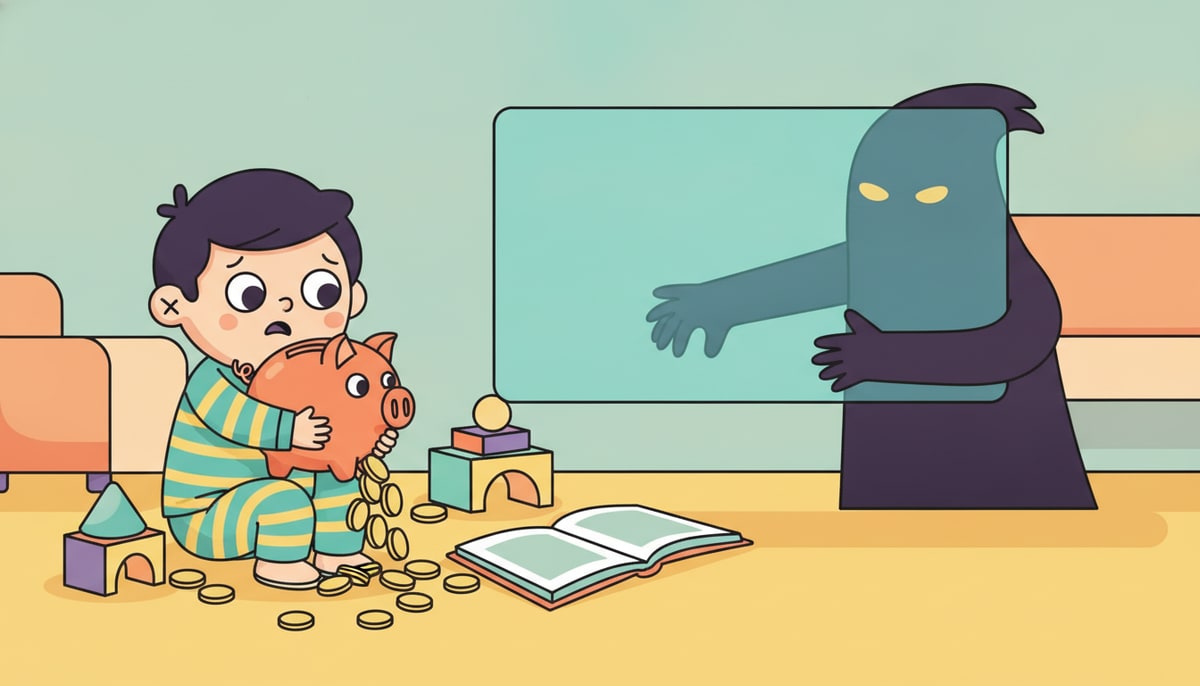
Companies like OpenAI collect information to make their services better. But they have a huge responsibility to keep it safe. When they mess up, like in this recent incident, it can cost them a lot of money in fines, lost trust from users, and even legal battles. It can also cost the people whose information was leaked!
How Leaks Can Cost YOU Money
Even if you're a kid, a data leak can impact you:
- Identity theft: This is when someone pretends to be you to get money or open accounts. Imagine if someone used your name to sign up for something expensive! While less common for kids, it can happen and takes a lot of time and money to fix.
- Scams: If scammers get your information, they might try to trick you or your parents into giving them money. They might pretend to be a game company offering free V-bucks, but then ask for your parents' credit card info.
- Future opportunities: As you get older, what’s online about you can affect things like getting into college or finding a job. A picture or piece of information that got out accidentally could create problems.
Be a Super Saver of Your Secrets!
So, what can you do to protect your valuable information, even from big tech oopsies?
- Think before you share: Before you post a picture, share your name, or give out any personal details online, ask yourself: "Do I really want everyone to see this forever?"
- Use strong passwords: Make them long, mix letters, numbers, and symbols, and don't use the same password for everything. Think of it like having a different, tricky lock for each of your important rooms.
- Talk to your parents: If you see something online that makes you uncomfortable, or if a website asks for too much information, tell a grown-up you trust. They can help you figure out if it’s safe.
- Understand privacy settings: Many apps and games have privacy settings. Learn how to use them to control who sees your stuff. It’s like putting up a fence around your digital backyard.
Big companies like OpenAI are learning a hard lesson about the cost of data leaks. But you can learn from it too, and become a smart, safe digital citizen who protects your valuable information!
P.S. Parents, take a few minutes this week to sit down with your kids and review the privacy settings on their favorite apps and games. It’s a great way to have an open conversation about online safety and the value of personal information.
Stay in the loop
We ship new free guides, printables, and the occasional deal — roughly twice a month. No spam, unsubscribe anytime.
Three streams available: 30-day welcome series, biweekly newsletter, and (opt-in) daily blog posts. Pick which you want after signing up. One click to unsubscribe from any.