Setting Up Allowances in KidCash (2-Minute Guide)
A quick walkthrough for setting up recurring allowances, interest, and savings goals for your kids.
Getting started with KidCash takes about two minutes. Here's the quickest path from signup to your first automated allowance.
Step 1: Add Your Kids
From the dashboard, go to Settings and add each kid with a name and emoji avatar. That's it — no email or account needed for kids.
Step 2: Set Recurring Allowances
Tap on a kid's name to open their profile, then:
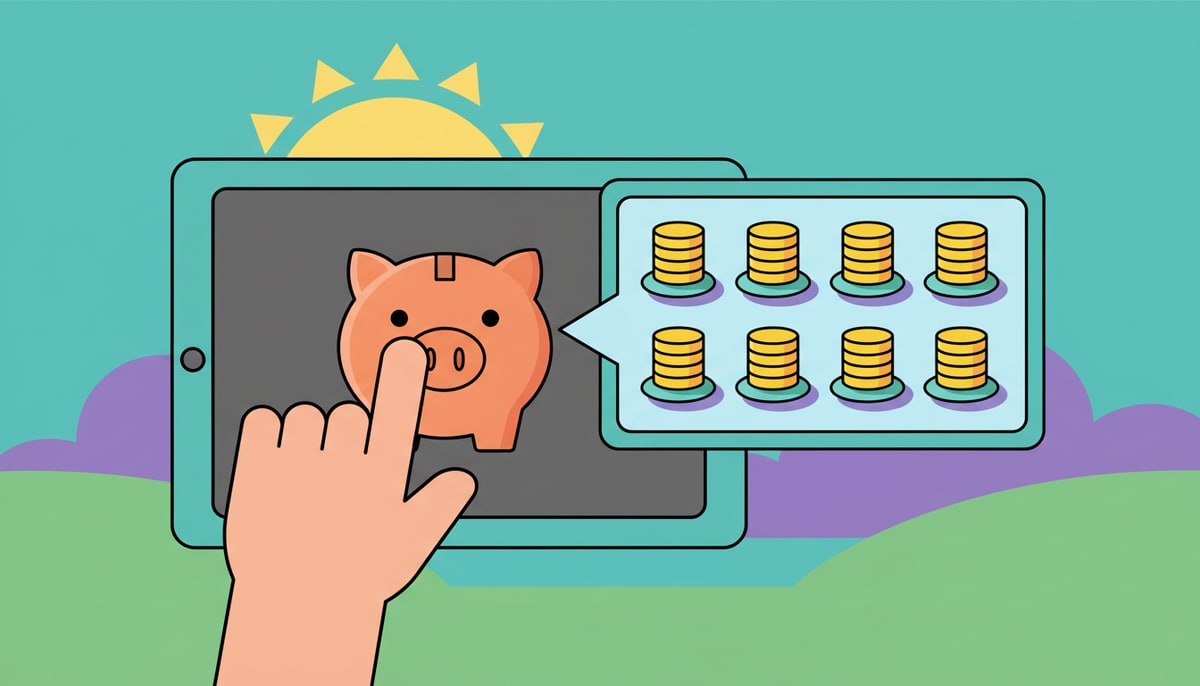
- Find Recurring Allowance
- Set the amount (e.g., $5)
- Choose frequency: Weekly, Every 2 Weeks, or Monthly
- Pick the day (e.g., every Saturday)
- Toggle it on
KidCash processes allowances automatically. If you miss a week (or a month), it catches up and creates a transaction for each missed period.
Step 3: Add a Savings Goal
Under Wishlist, tap + Add Goal:
- Name it (e.g., "New Skateboard")
- Set the target amount ($75)
Your kid can see a progress bar showing how close they are. When they hit the goal, they earn the "Goal Crusher" achievement badge.
Step 4: Turn On Interest (Optional)
Under Savings Interest:
- Choose Percentage (5%) or Flat ($1)
- Set frequency (monthly works well)
- Toggle it on
Interest rewards saving. If your kid has separate accounts enabled, interest only applies to their savings balance — encouraging them to move money from checking to savings.
Step 5: Share Their Profile
Each kid gets a public profile URL they can bookmark on their device. They can check their balance, see their goals, and view their achievements — without needing a password.
Want more privacy? Set it to private and give them a 4-digit PIN.
That's It
Two minutes. Your kid now has:
- Automated weekly income
- A savings goal to work toward
- Interest growing their savings
- A profile they can check anytime
Welcome to KidCash.
Stay in the loop
We ship new free guides, printables, and the occasional deal — roughly twice a month. No spam, unsubscribe anytime.
Three streams available: 30-day welcome series, biweekly newsletter, and (opt-in) daily blog posts. Pick which you want after signing up. One click to unsubscribe from any.