Why 'View Only' Can Still Be Valuable (and Save You Money!)
Microsoft Office for Mac is going 'view only' for older versions. Learn how understanding software updates can save your family cash.
Inspired by: Microsoft Office 2019 and 2021 for Mac view-only conversion
Ever heard the saying, "If it ain't broke, don't fix it"? Well, sometimes, even if it ain't broke, companies decide it's time for an update. That's what's happening with older versions of Microsoft Office for Mac (like the 2019 and 2021 editions). Soon, if you have one of those, your documents will become "view-only." This means you can look at them, but you can't make any changes. While it might sound like a bummer, it's actually a great chance to think about how we use our tech and, more importantly, how we spend our money on it!
The "View Only" Dilemma
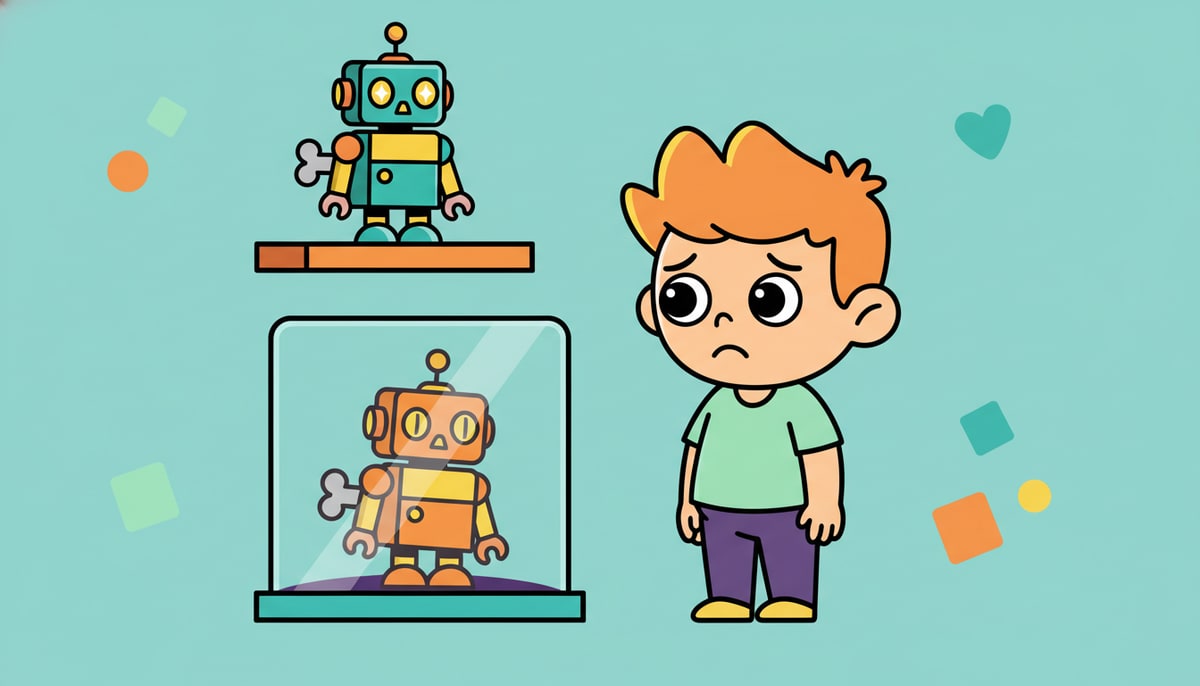
Imagine you have a favorite toy that suddenly only lets you look at it, not play with it. That's a bit like what "view-only" software feels like. For many grown-ups, this means they'll need to upgrade to a newer version of Office (which often involves a subscription fee) if they want to keep editing documents. This kind of planned obsolescence – where older products become less useful over time – is a common strategy for tech companies. They want you to buy the latest and greatest
 !
!
But here's the KidCash twist: just because something can be upgraded, doesn't always mean it has to be, or that the upgrade is the best financial choice for you.
Smart Choices for Your Digital Tools
Think about it: do you always need the absolute newest version of every app or game? Probably not
 ! Here are some ways to think smart about your digital tools, just like you would with your physical toys:
- Needs vs. Wants: Do you actually need to edit documents all the time, or do you mostly just read them? If "view only" works for most of what you do, maybe you don't need to spend money on an upgrade right away. This is a classic "needs vs. wants" lesson!
- Explore Free Alternatives: Just like there are often store-brand options that are just as good as name brands, there are usually free alternatives for software. For example, for word processing, there's Google Docs (free with a Google account) or LibreOffice (totally free to download and use). These might not have all the fancy bells and whistles, but they can do the job for many tasks, saving your family a lot of money.
- The Power of "Good Enough": Sometimes, "good enough" is perfectly fine. If an older version of a game or app still works for what you want to do, there's no need to rush out and buy the newest one just because it exists. This teaches you to be content with what you have and appreciate its value.
- The Cost of Convenience: New software often promises more features and convenience. But that convenience comes with a price tag, sometimes a yearly subscription. Is that convenience worth the ongoing cost for your family?
Being a Savvy Digital Consumer
Understanding how companies encourage upgrades helps you become a smarter consumer. When you see a new version of anything – a game, a phone, or even a piece of software – don't just jump to buy it. Ask yourself:
- Do I truly need this new version?
- What are the free or cheaper alternatives?
- Will the benefits outweigh the cost for my family?
By asking these questions, you're not just saving money; you're learning to make informed decisions about your resources, a skill that will help you for your whole life, whether you're buying a new game or planning for your future.
P.S. This week, sit down with your kids and look at the apps or games they use regularly. Talk about whether they really need the newest version of everything, or if older versions (or even free alternatives) would work just as well. It’s a great way to start a conversation about digital wants versus needs!
Stay in the loop
We ship new free guides, printables, and the occasional deal — roughly twice a month. No spam, unsubscribe anytime.
Three streams available: 30-day welcome series, biweekly newsletter, and (opt-in) daily blog posts. Pick which you want after signing up. One click to unsubscribe from any.